 NavMirror
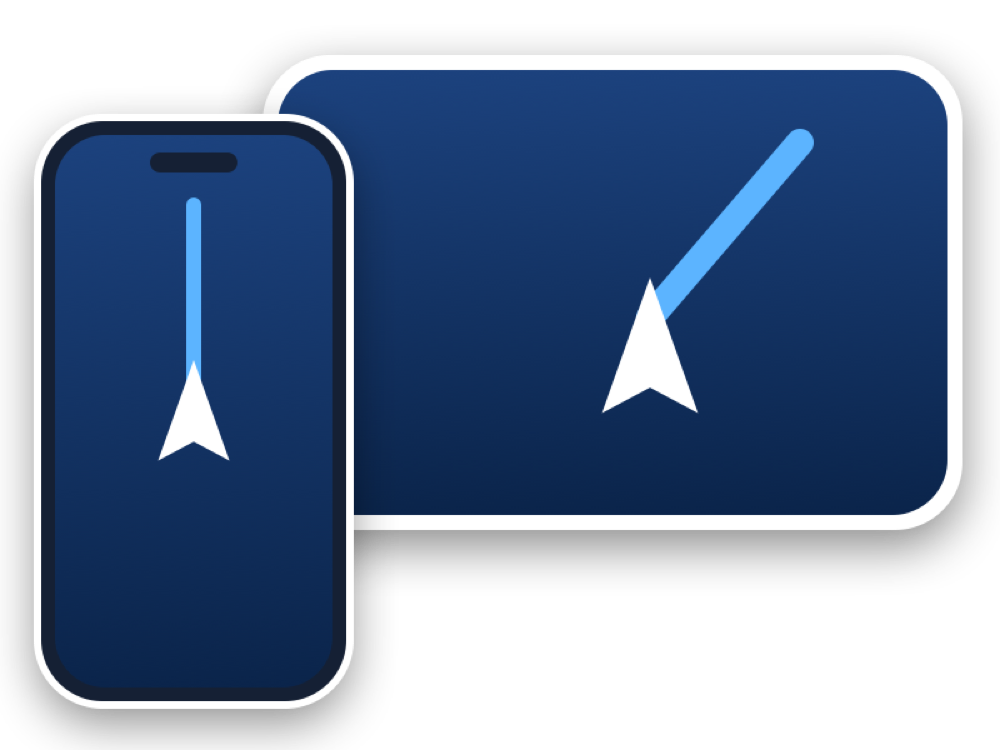
Your phone’s screen — on your car’s screen
Waze, Google Maps, any app. No cables, no mobile data.
Start 3 days freeNavMirror
Waze, Google Maps, any app. No cables, no mobile data.
Start 3 days freeWhatever you open on your phone shows up live on your Tesla’s big screen. The picture travels between phone and car inside the hotspot.
When your days run out the service stops; we never charge your card automatically. Switch phones and your remaining days stay with your account.
Start 3 days freeAny car whose screen has a web browser and can join Wi-Fi: every Tesla (Model 3, Y, S and X) and other cars with a browser.
Not in hotspot mode: the picture goes straight from your phone to the car. Your navigation app itself uses a little data for maps and traffic; NavMirror uses none.
In your Tesla’s Wi-Fi settings, pick your hotspot and switch on “Keep connected in Drive”. You only need to do this once.
No. Your subscription belongs to your account (your email), not to the phone. Sign in with the same email on the new phone.
On the website, in your account, through Kapital Bank’s secure payment page. Each payment adds 30 days. There are no automatic charges.
Set your route before you set off. Don’t handle your phone while driving, and always follow the traffic rules.